
Help Center / Video tutorials
Video tutorials
Learn how to document any type of meeting with Voicit, step by step and on video.
In these video tutorials you will learn to record, transcribe and summarize Your meetings with Voicit according to type: video calls Google Meet, Microsoft Teams and Zoom, in-person meetings and interviews, phone calls, and selection processes. Each video shows you, step by step, how to obtain the audio, the transcript, and a automatic report or minutes of the meeting.
Get your audio, transcript, and report
- Join your video call from your browser. In person or by phone? Record it from the recording studio or with the recorder.
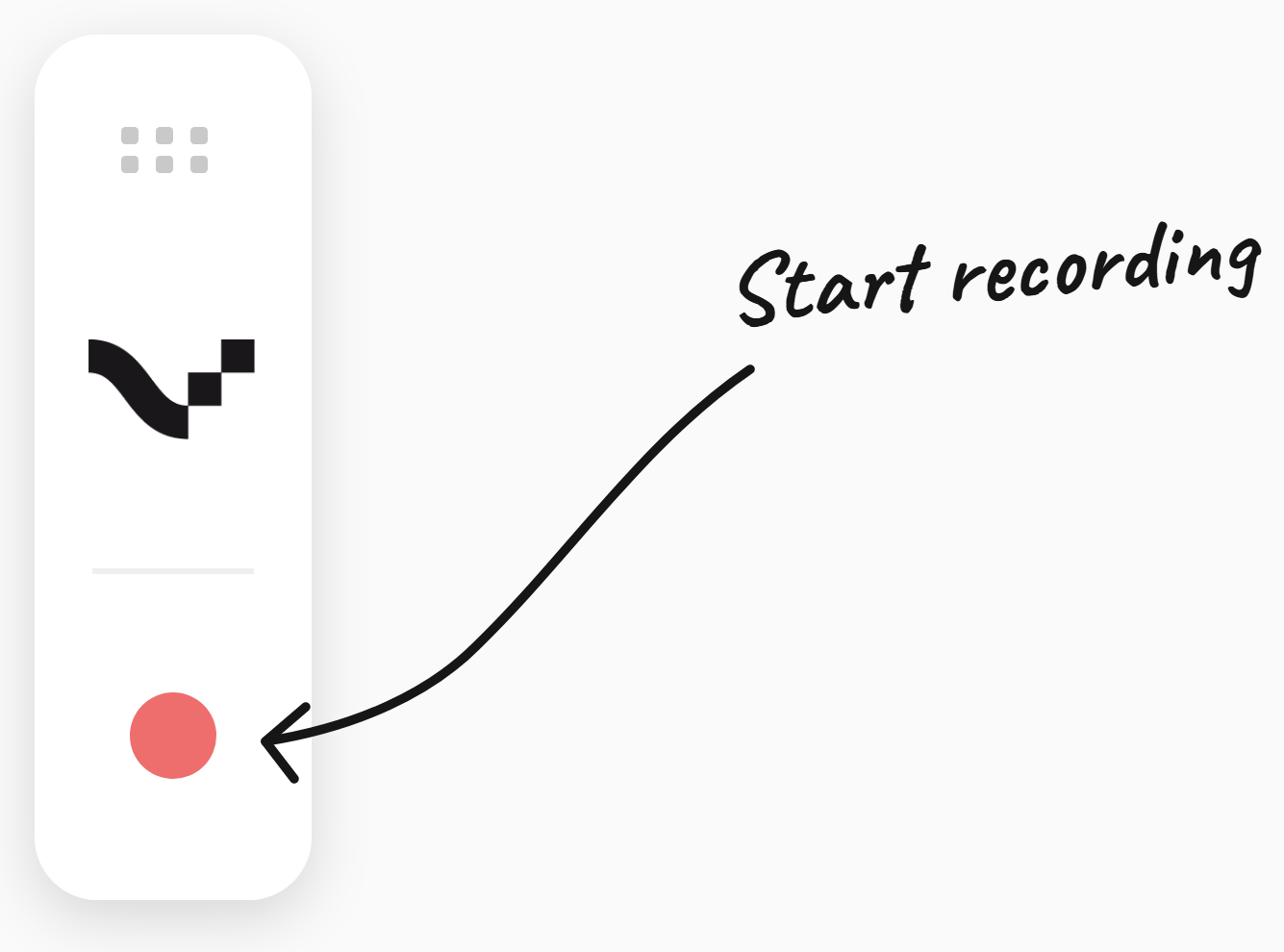
- Press the red button of the extension that you have downloaded to start recording.
- Press it again when finished and receive the result.
Online meetings
Use the Chrome extension. It appears automatically on the left when it detects that you are on a video call.
How to record a Google Meet meeting
2:32 minHow to record a Microsoft Teams meeting
2:44 minHow to record a Zoom meeting
2:20 minIn-person meetings and phone calls
Record from the recording studio in Voicit, or with the recorder to avoid speaker mode.
Face-to-face meetings and interviews
2:29 minRecord phone calls · Voicit + HubSpot
2:46 min · ▶ Watch videoRecruitment processes · HR
Document interviews, generate candidate reports, and share them with your client.
Report customization
Adapt the report template to your way of working.
Last updated: July 23, 2026