


By Álvaro Arrescurrenaga, CEO of Voicit
What's new in the tool: improvements to enhance your selection processes
In this update we bring several features designed to make your day-to-day work in selection processes easier and to simplify collaboration with your clients.
New candidate profile: Access all candidate information and share it with your clients after your recruitment interview
We've created an environment where you can centrally manage all candidate information. From here you can:
- Quickly find information with the full context of the candidate, When customers have any questions, you can search for information from this environment using the chat, which accesses the documents and interviews you have linked.
- Generate More comprehensive final reports tailored to your styleusing all of a candidate's interviews and documents.
- To streamline the customer's decision-making process and provide more natural follow-up.Sharing the candidate's profile with your client will allow you to:
- View if and when they have accessed the profile.
- Receive feedback about the candidate from their profile.
- Allow your clients to request the final interview with just one click.
- To streamline the customer's decision-making process and provide more natural follow-up.Sharing the candidate's profile with your client will allow you to:
- Save time with trusted clientsUsing the most advanced features, your client will be able to:
- Schedule the final interview with the candidate from the environment through the candidate's availability calendar.
- Access information quickly through the chat.
- Save time with trusted clientsUsing the most advanced features, your client will be able to:
 View candidate profile example
Visitor counter for shared links
When someone accesses one of your shared links, you can see how many times it has been viewed and when it was last viewed.
A very useful improvement for identifying if someone has reviewed the information you have shared with them.
Share a meeting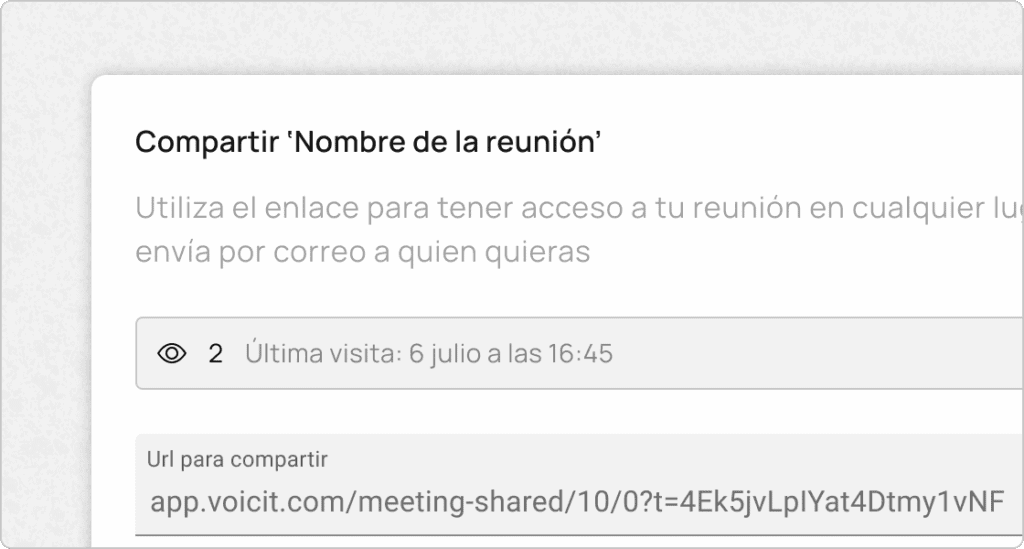
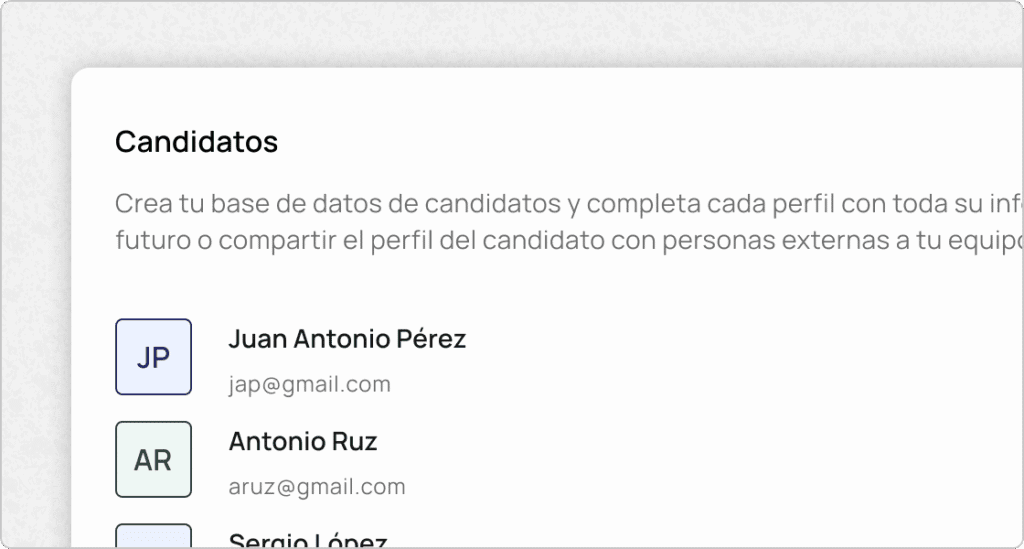
Candidate databaseeither
Voicit now allows you to maintain a candidate database, including interview information and associated documents. This will enable you to perform quick searches on candidates.
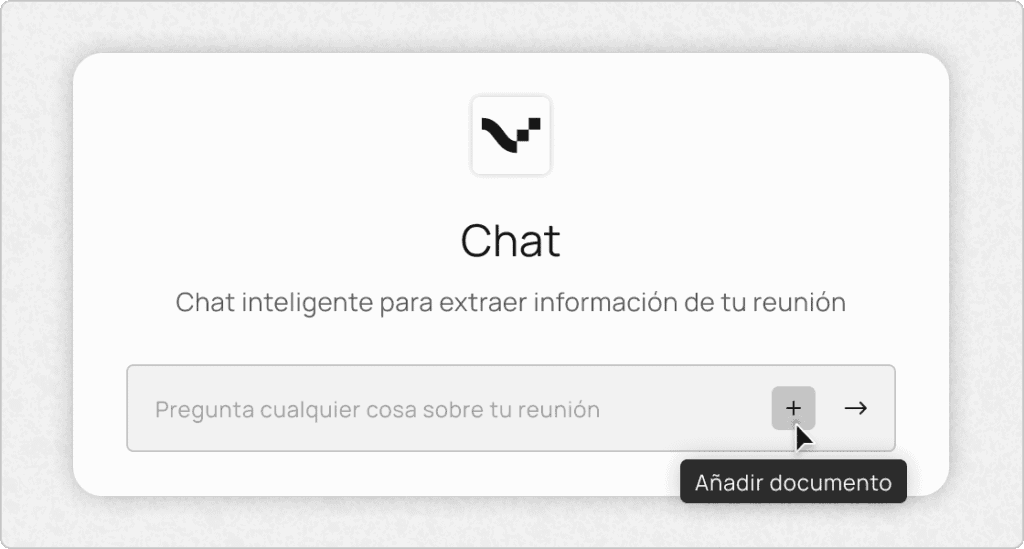
Add files to your meeting chat
Our chat just got more powerful: Use it beyond your meeting to enhance your reports. Combine documents with your conversation to extract more comprehensive information.
Example: In a job interview, upload the candidate's CV and ask that the candidate's work experience be extracted by combining the CV and the generated report.
Dictionary of Competencies
Choose the skills you want to analyze in your interview from the skills dictionary and modify them to your liking to get the most suitable result for you.
You can access the skills from the template editing environment.
View soft skills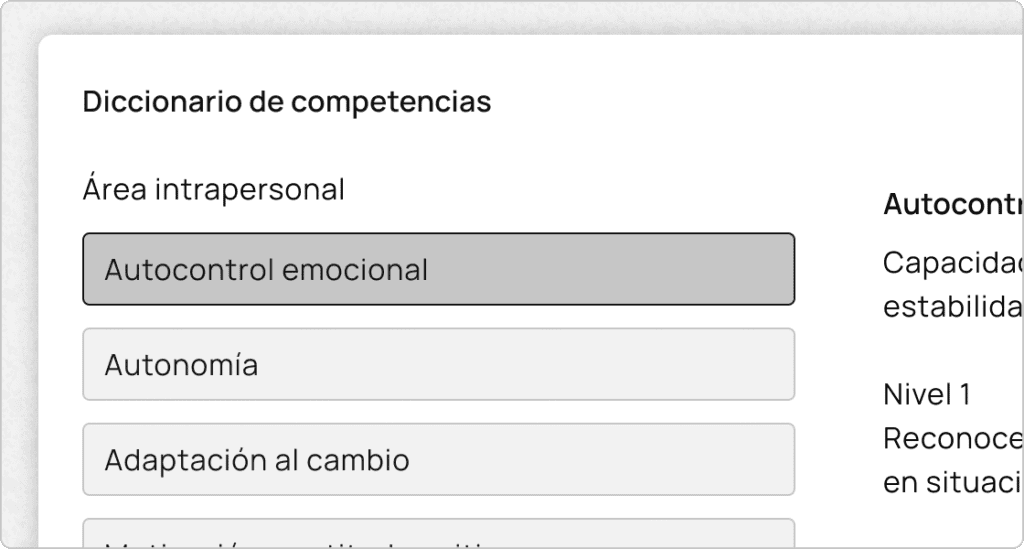
New team features for using templates
Users who belong to the same team can now Use any shared template from the template selector when creating the meeting.
On the other hand, administrators can now enable a shared template as the default template to your team's users to prevent them from selecting the wrong template.
View my gear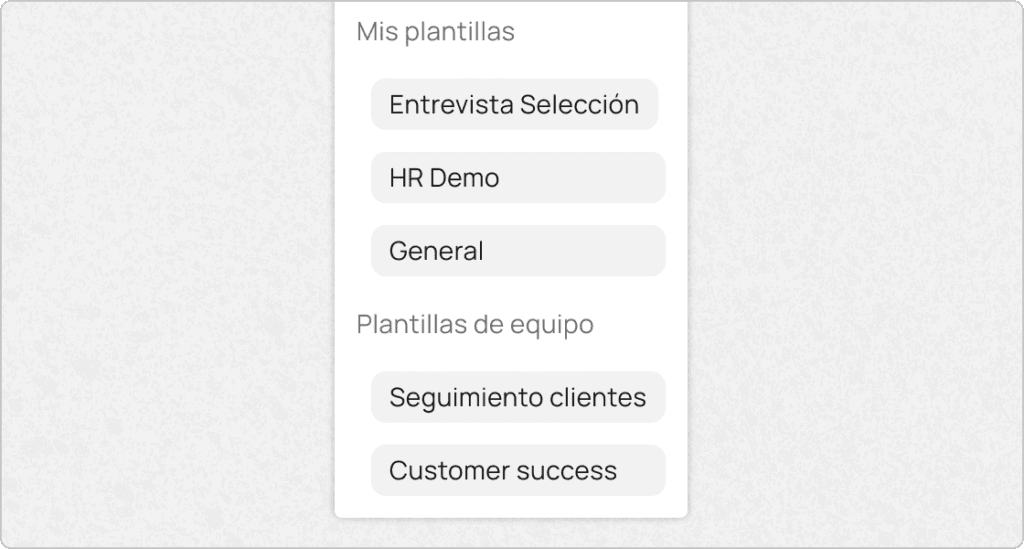
CEO and co-founder of Voicit. He works with recruitment consultancies and teams that document interviews and meetings using AI.