
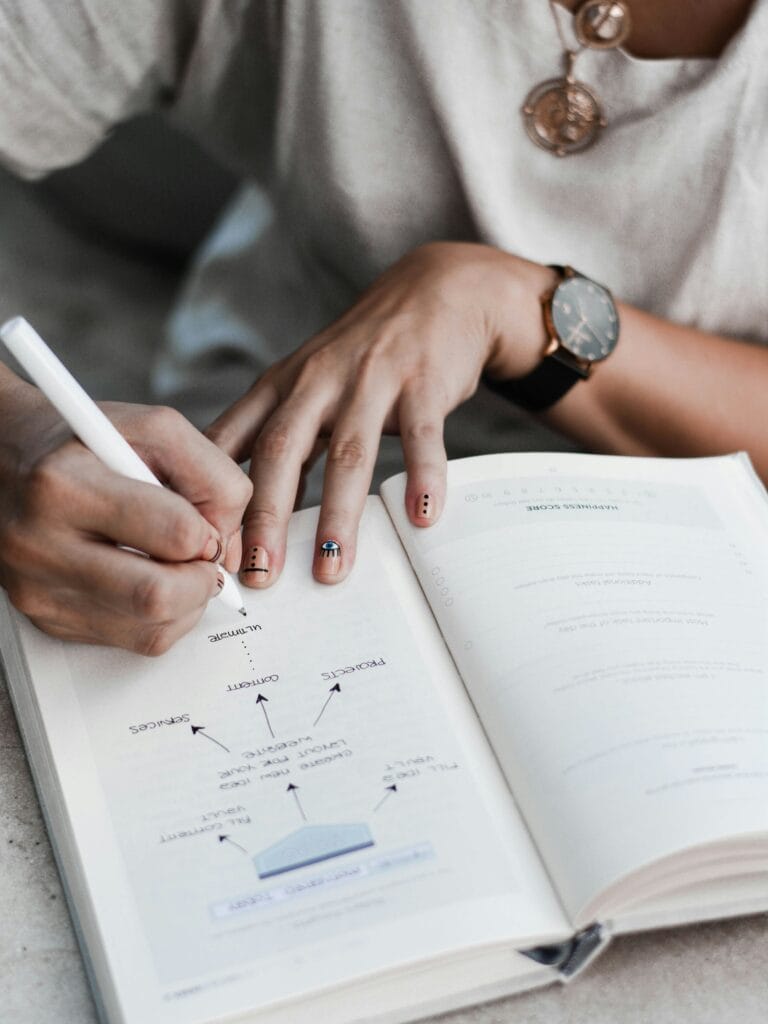
Saving time in meetings is one of the biggest challenges for any team. Taking notes, generating summaries, and following up can consume valuable hours that could be dedicated to strategic tasks.
The good news is that today you can save time in meetings Thanks to automated reporting with artificial intelligence tools. In this guide, you'll discover how to optimize your meetings, improve your team's productivity, and automatically generate reports with practical examples.
Why many meetings are unproductive
Before improving meetings, it's important to understand why they fail:
- Lack of clear objectives: The participants do not know what is expected of the meeting.
- Excessive duration: Long, uneven meetings lead to a loss of focus.
- Scattered notes: Each participant takes different notes, making it difficult to track.
- Lack of follow-up: Decisions and tasks are neither documented nor assigned.
Learn more about meeting productivity at Harvard Business Review.
How to save time in meetings: 7 key tricks
1. Define a clear agenda and share it beforehand
State the topics to be covered, the estimated time, and the person responsible for each point. This reduces digressions and keeps the discussion focused.
2. Limit the duration
Meetings lasting 30-45 minutes are generally more effective than those lasting an hour or more. Concentration decreases after that time.
3. Set specific goals
Each meeting should have clear goals: decisions to be made, tasks to be assigned, or information to be shared.
4. Appoint those responsible
Indicate who takes notes, who leads the meeting, and who is responsible for each task.
5. Automate reports to save time in meetings
With tools like Voicit, you can automatically generate meeting summarieshighlighting decisions, tasks and agreements without spending hours writing them.
6. Share centralized notes
Automatically send the summary to all participants to ensure everyone is on the same page.
7. Review results and actions
Spend the last few minutes verifying that all tasks are assigned and that there is clarity about the next steps.
Summary template to save time in meetings
Here's an example of how to structure your summaries:
Meeting details
- Project / Topic:
- Date:
- Participants:
Key points and decisions
- Decision 1:
- Decision 2:
Tasks and responsibilities
- Task 1 – Responsible Party – Deadline
- Task 2 – Responsible Party – Deadline
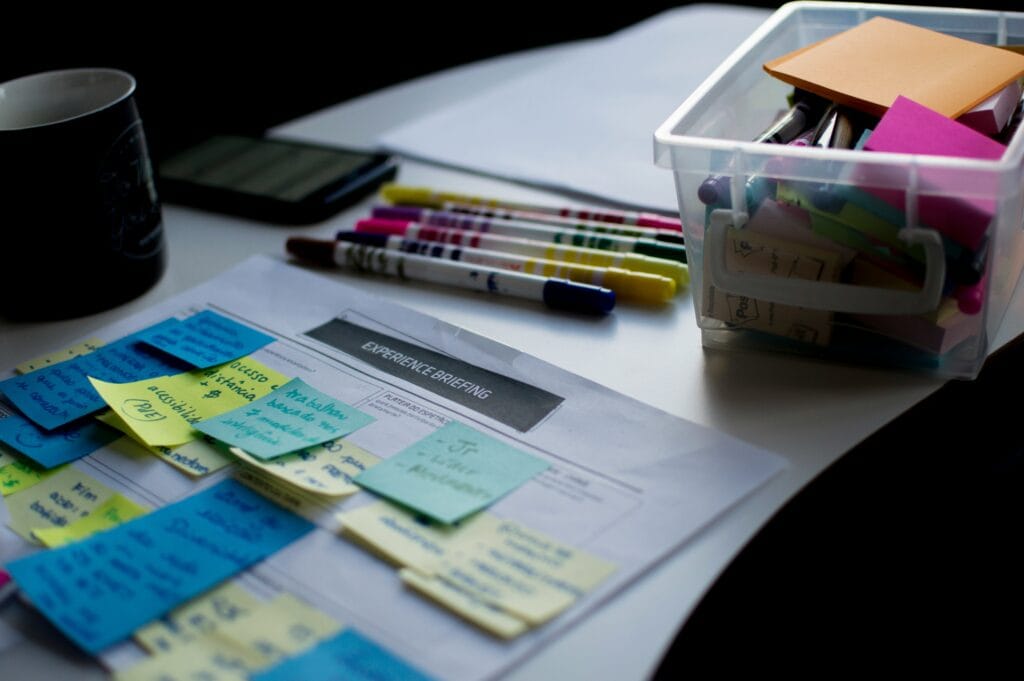
Use case: More productive teams with automated reports
Imagine a team that holds five one-hour meetings per week. Generating reports manually could take 10-15 hours per weekWith AI and automated templates, that time is reduced to 5-10 minutes per meetingfreeing up valuable hours for strategic tasks and important decisions.
At Voicit, companies are already increasing the productivity up to 70%, optimizing meetings and ensuring that all decisions are recorded correctly.
Conclusion: Automate your meetings and save time
Saving time in meetings not only improves productivity but also fosters clarity and efficiency across the entire team. Integrating AI-powered automated reporting and summaries is an investment that translates into recovered work hours and more effective decision-making.
